Introduction to PDF.co Web API - PDF Info, Merge PDF, Search PDF, Convert PDF to Text, JSON, XML
In this tutorial, we’ll introduce PDF.co’s APIs and automation tools for extracting structured data, applying OCR, converting and generating documents, editing PDFs, processing forms, and building end-to-end document workflows.
IN THIS TUTORIAL
Extract Data from PDFs and Images
PDF.co allows you to extract tables, text, statements, and invoices from PDFs and images. It supports a wide range of image formats, including JPEG, PNG, BMP, and multi-page TIFF.
AI-Powered OCR
The service features advanced AI-powered OCR technology. This means it can intelligently recognize and extract text from scanned PDFs and images, not just basic text extraction. It offers smart column and table detection, making it highly efficient for structured data extraction.
AI-Powered Document Processing
PDF.co includes an AI Invoice Parser that extracts structured invoice data without requiring a predefined template. It can identify information such as vendor and customer details, invoice numbers, dates, totals, purchase-order numbers, and line items across different invoice layouts. The resulting structured data can be passed to accounting systems, databases, and automated workflows.
For other business documents, the Document Parser uses reusable templates, OCR, and extraction rules to capture fields from PDFs, scans, orders, reports, and similar files. The Document Classifier can identify and organize incoming documents before sending them to the appropriate extraction or processing workflow.
PDF Generation and Conversion
PDF.co can generate PDFs from sources such as Excel files, Word documents, JPEG and PNG images, HTML, and webpages. It can also convert PDFs to formats including XLS, CSV, JSON, XML, text, and images. Additional tools are available for creating and filling PDF forms.
Security
All API endpoints are highly secure, featuring end-to-end encryption protected by SSL certificates, ensuring your data remains safe throughout the process.
Comprehensive Functionality
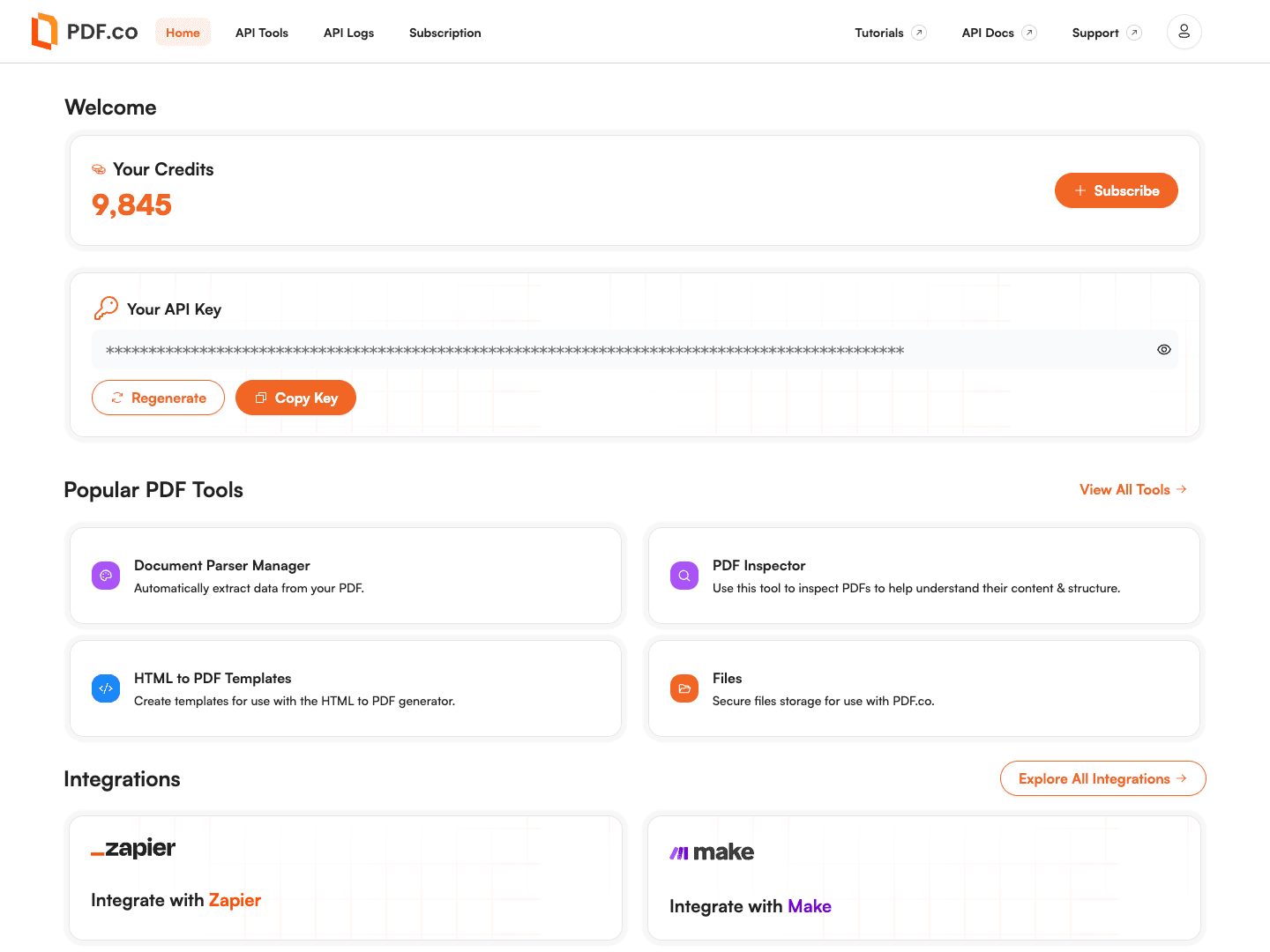
Let's delve into the main APIs provided by PDF.co:
JPEG to PDF Conversion
PDF.co offers seamless conversion of JPEG images to PDF files.
PDF to CSV and XLS Conversion
You can easily convert PDF files to CSV or XLS formats, making data manipulation straightforward.
PDF Merging and Splitting
The service allows you to merge multiple PDFs into a single file or split a PDF into several documents as needed.
Document and Image to PDF Conversion
Whether you need to convert documents or images to PDF, PDF.co provides a fast and easy solution.
PDF to Text and JPEG Conversion
If you need to extract text from PDFs or convert PDFs to JPEG files, PDF.co has you covered.
Webpage to PDF Conversion
Using the RESTful API, you can convert webpages to PDF. It also supports converting PDFs to XML or TIFF files.
Making PDFs Searchable
PDF.co can make scanned PDFs searchable, allowing you to select and search text within the document. This feature is particularly useful for PDFs containing images, ensuring accurate text recognition and extraction.
Barcode Generation and Reading
PDF.co supports comprehensive barcode functionalities. You can generate barcodes of any type or read barcodes from various formats, including PDFs, JPEGs, PNGs, multi-page TIFF files, and GIFs.
Comprehensive Tutorials
In our tutorials, we dive into coding and demos, showcasing features such as converting images to PDF using the API, creating searchable PDFs, merging and splitting PDFs, searching text within PDFs, and adding images to existing PDFs.
PDF.co provides APIs and integrations for:
- Editing PDFs and adding text or images
- Creating and filling PDF forms
- Searching, replacing, and deleting PDF text
- Compressing and optimizing PDF files
- Adding or removing PDF passwords and security settings
- Converting emails, HTML, spreadsheets, documents, and images to PDF
- Generating reports from reusable templates and structured data
- Uploading and temporarily storing files for multi-step workflows
- Reading PDF metadata, page information, and form-field details
- Connecting document workflows to Zapier, Make, n8n, backend applications, and AI agents
Together, these features support complete document workflows—from classifying and extracting incoming files to generating, editing, securing, and delivering the finished PDFs.
Related Tutorials