One API family for common PDF work
Replace scattered tools with endpoints for extraction, conversion, generation, form filling, compression, security, barcodes, and PDF manipulation.

Find the right PDF.co API for your PDF workflow.
Convert, edit, extract, generate, and automate PDF workflows with clean REST endpoints, MCP support, and tools built for apps, automations, and AI agents.
PDF.co gives developers one API layer for document work: parse data, convert files, edit PDFs, generate reports, and automate workflows.
Not sure where to start? Find the right API for your task.
I need to extract text from a PDF
Extract text, tables, and data
I need to generate a PDF from HTML
Convert HTML to PDF
I need to parse invoices
AI-powered invoice data extraction
I need to edit a PDF
Edit text, images, and pages
I need to merge multiple PDFs
Combine multiple PDF files
I need to compress a PDF
Reduce PDF file size
I need to fill PDF forms
Fill and submit PDF forms
I need to read barcodes
Extract data from barcodes
I need to secure a PDF
Add password or remove security
A practical API stack for developers who need coverage, reliability, and fast integration.
Replace scattered tools with endpoints for extraction, conversion, generation, form filling, compression, security, barcodes, and PDF manipulation.
Connect PDF.co to apps, no-code automations, backend services, and AI workflows that need reliable document parsing and document automation.
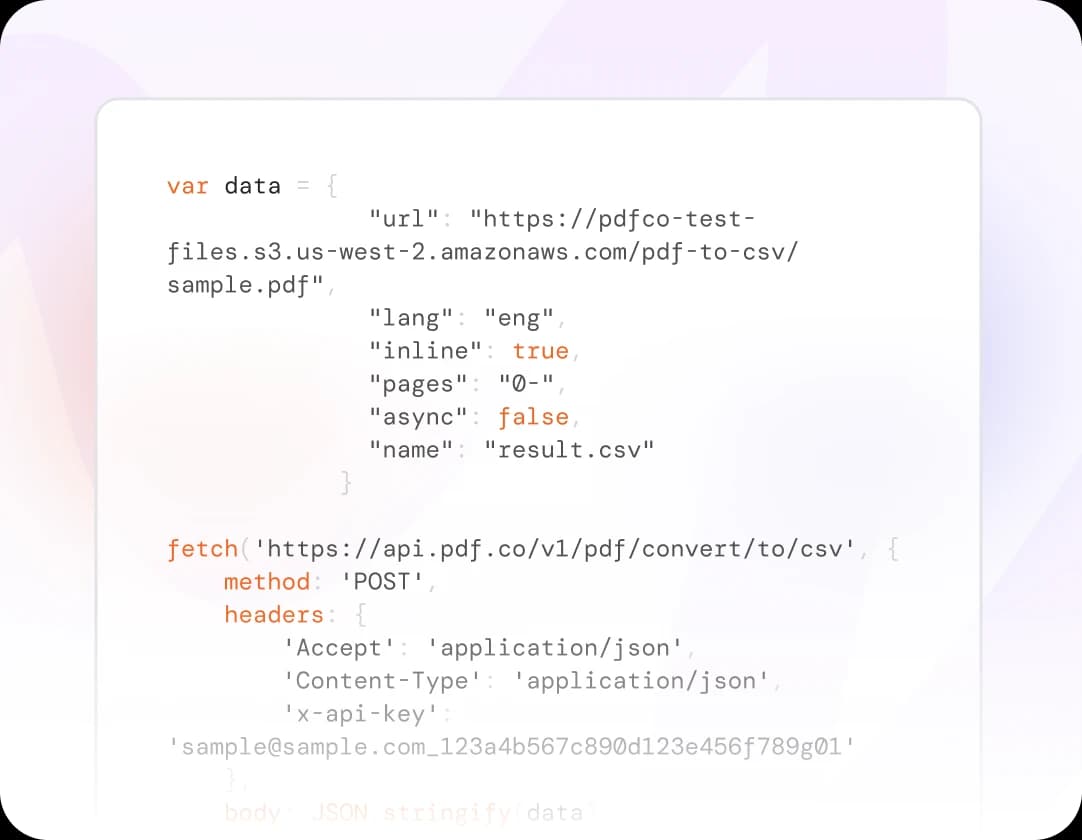
Clear REST endpoints, SDKs, examples, webhooks, and MCP support help teams ship document features without building PDF infrastructure from scratch.
Clean REST APIs, comprehensive documentation, SDKs, and MCP support to help you build faster.
View API Documentation
Connect PDF.co with automation tools and business apps to build PDF workflows without custom code.
View Integrations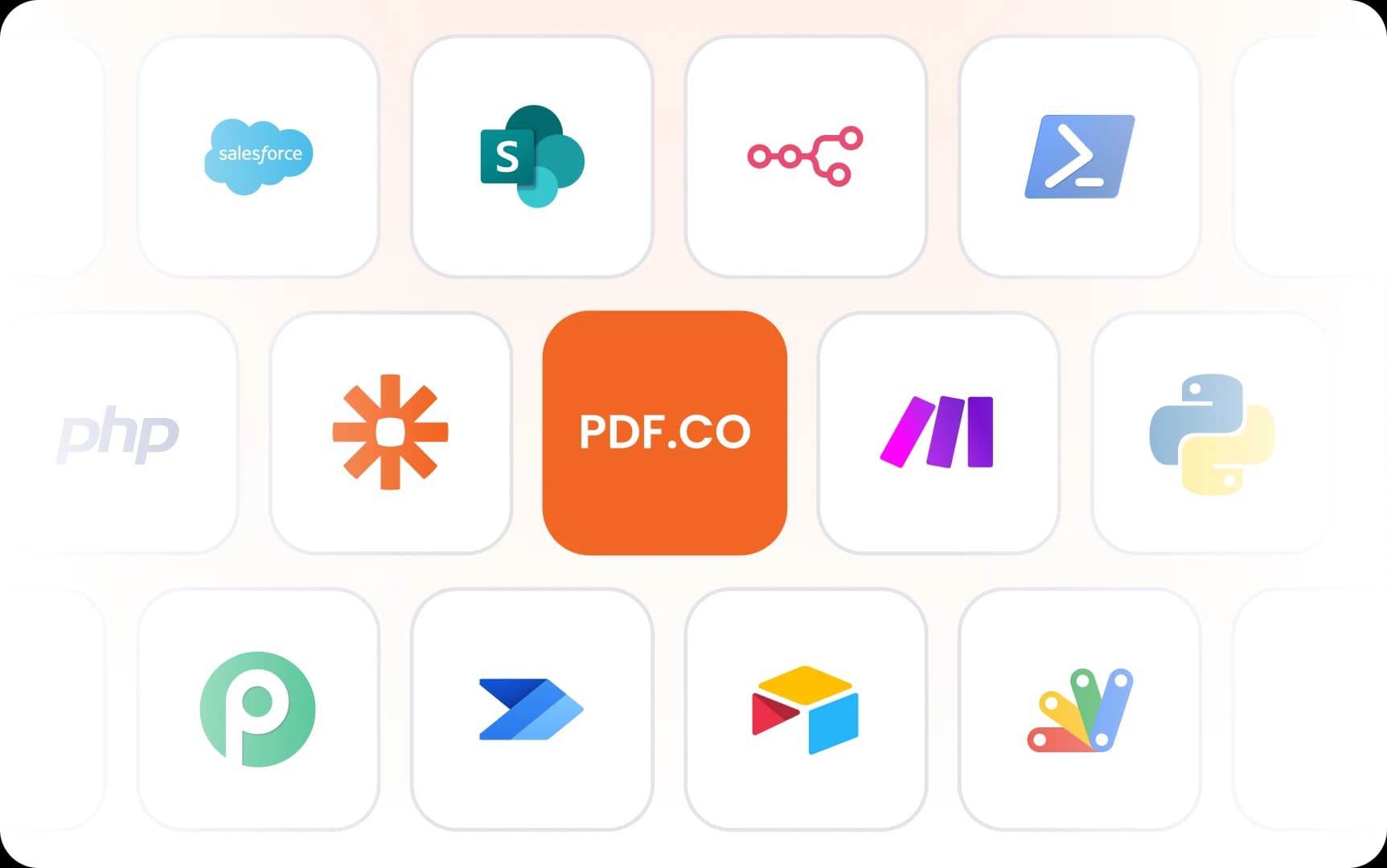
Quick answers to common questions.
PDF.co hosted APIs can be used to convert, parse, generate, edit, and secure PDFs without maintaining your own PDF processing infrastructure. PDF.co provides those capabilities through REST endpoints.
Yes. PDF.co supports MCP so AI agents and MCP-compatible tools can call PDF.co APIs for document conversion, data extraction, document parsing, PDF generation, and other automated PDF workflows.
Use PDF.co extraction APIs such as PDF to Anything for text, tables, and structured output, or the Document Parser API when you need to extract repeatable fields from business documents.
Use the AI-Powered Invoice Parsing API to extract invoice fields such as vendor details, totals, dates, line items, and other structured invoice data.
Yes. PDF.co supports OCR for scanned PDFs and image-based documents, helping turn non-selectable text into searchable, extractable content for downstream processing.
Yes. PDF.co offers no-code integrations for tools such as Zapier, Make, n8n, and other automation platforms, so teams can build PDF workflows without writing custom code.
Use the Converting HTML to PDF API. It allows you to convert any HTML or URL into a PDF with full control over styling, margins, headers, footers, and more.
Yes. PDF.co includes PDF manipulation API endpoints for editing PDFs, merging and splitting files, filling forms, adding signatures, compressing documents, and applying or removing security.
Yes. PDF.co can act as a document parsing API for extracting text, tables, invoice fields, barcodes, and structured data from PDFs and other business documents.
All requests run over encrypted HTTPS, and files are automatically deleted after processing. PDF.co is built for sensitive workflows like invoices and contracts. See our security overview for retention windows and compliance details.