Determine the Text Position
The PDF.co PDF Inspector can be used to open the PDF template and determine the page number and x and y coordinates where the text should appear. Enter those values in the annotation object sent to the PDF Add endpoint.
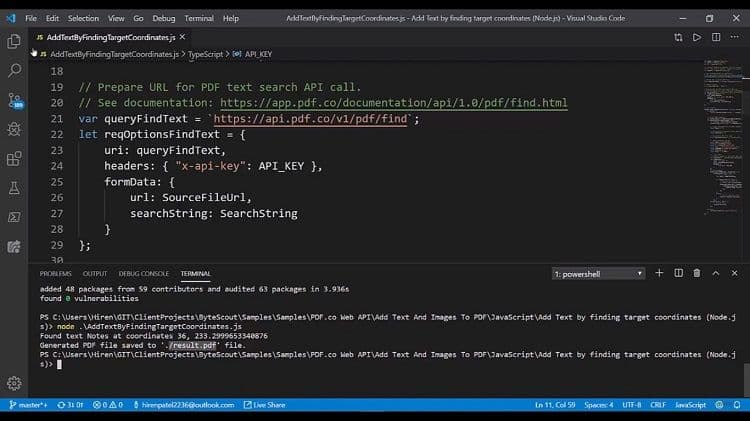
For templates in which the target position may change, you can use the PDF Find endpoint to locate nearby text and calculate the annotation coordinates dynamically.
To add the text into the existing PDF, we’re going to utilize this URL like PDF/edit/add and we are going to have the type as an annotation. We are going to specify the coordinates X and Y. We are going to see the text, which we are going to insert. We are specifying the font. We are specifying the font size, we have specified the color of the font.
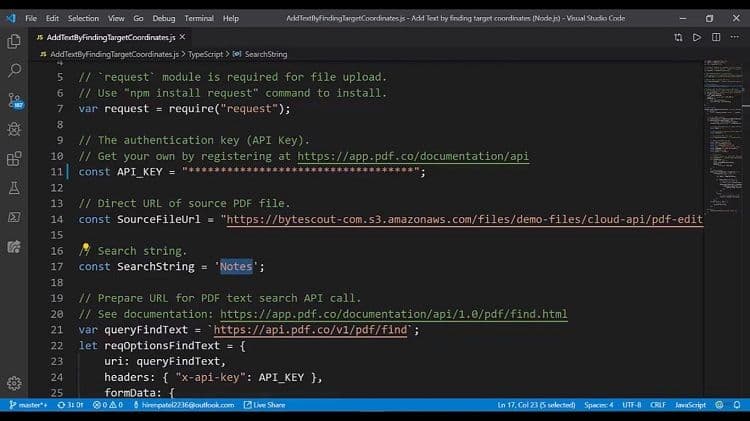
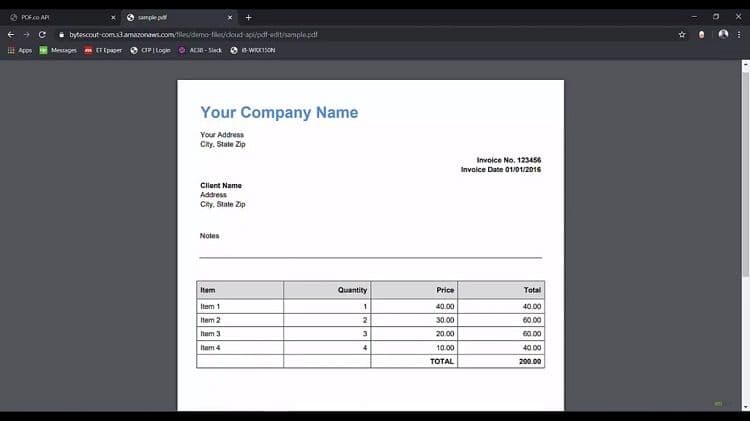
This is a pretty simple step but to make it more interesting what we’re actually doing this on the input page. So what we want to see, like we are searching for some placeholders such as notes and we are going to add the text beneath it.
This is some kind of real-world scenario like where we are searching the text and heading to the right here. For example, it is containing the note section here and the texts. We are going to fill it up is beneath this. It’s kind of the form filling.